
The Nvidia B200 is one of the latest GPUs by Nvidia under its Blackwell architecture. Nvidia also launched the B300, an even more advanced version. There is a lot of discussion that this will replace H200 and it is a very natural thought. B200 has more or less the same use case as H200 but B200 is more powerful and advanced generation and not to mentional on an advanced architecture which is Blackwell.
The NVIDIA H200 and NVIDIA B200 are two powerful data-center GPUs designed for demanding artificial intelligence workloads. Both can train large AI models, run large language models (LLMs), and support high-performance computing.
But the B200 represents a significant generational advancement.
Think of the H200 as a powerful industrial machine capable of handling enormous workloads. The B200 is the next-generation version, designed to process more calculations, move data faster, and improve AI performance at scale.
So, what actually changes when moving from H200 GPU cloud to B200? Let’s understand.
Hopper vs Blackwell: The architecture difference
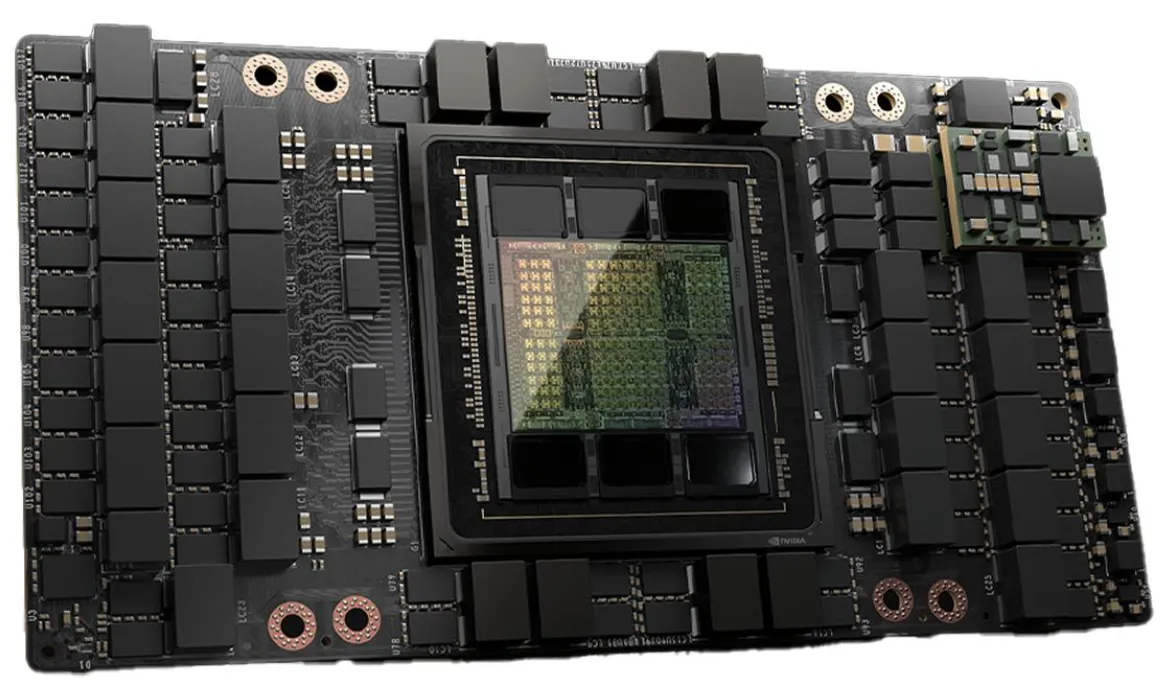
NVIDIA H200 — Hopper architecture
Built for large AI training, inference, and scientific computing. Its high-bandwidth memory makes it particularly capable of running memory-intensive AI models.
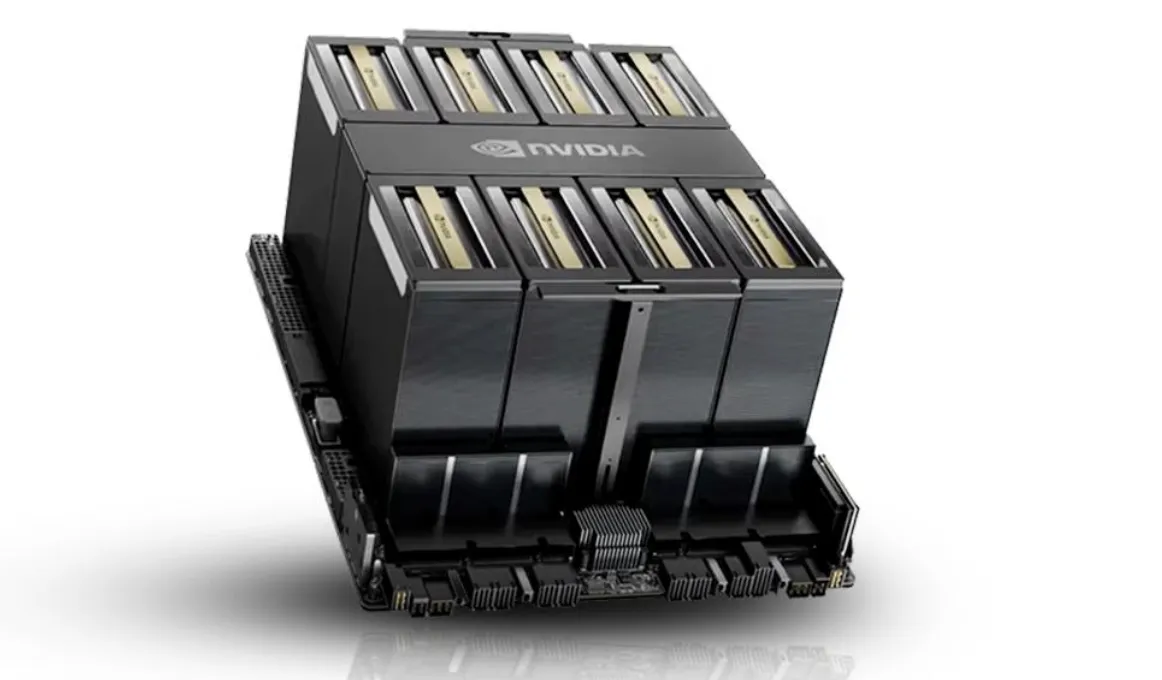
NVIDIA B200 — Blackwell architecture
Introduces fifth-generation Tensor Cores, improved low-precision AI computing, and faster GPU communication to support increasingly demanding models.
The key difference is that Blackwell is designed to perform more AI calculations efficiently, especially when using newer numerical formats.
GPU memory: 141 GB vs 180 GB
GPU memory determines how much model data a GPU can hold while performing calculations.
| Specification | H200 SXM | B200 SXM |
| Architecture | Hopper | Blackwell |
| GPU memory | 141 GB HBM3e | 180 GB HBM3e |
| Memory bandwidth | 4.8 TB/s | 8 TB/s |
| NVLink bandwidth | 900 GB/s | 1.8 TB/s |
| Maximum GPU TDP | Up to 700 W | Up to 1,000 W |
The B200 provides approximately 28% more GPU memory and 67% more memory bandwidth.
Imagine running a large language model. The GPU needs memory to store model weights, intermediate calculations, and the key-value (KV) cache used during inference.
With more memory, the B200 can accommodate larger models, longer context windows, or more concurrent requests, depending on the configuration.
However, additional memory does not automatically translate into faster performance.
Faster communication between GPUs
Large AI models often require multiple GPUs working together.
During training, GPUs exchange gradients, model data, and intermediate results. Slow communication can leave powerful GPUs waiting.
The H200 supports up to 900 GB/s NVLink bandwidth per GPU, while the B200 doubles this to 1.8 TB/s.
Imagine eight employees collaborating on a project. Even if everyone works quickly, progress slows when sharing information takes too long.
The B200’s faster NVLink connection reduces this communication bottleneck, particularly for large distributed AI workloads.
AI computing: Why Blackwell is different
One of Blackwell’s most important improvements is its support for FP4 calculations.
FP4 uses four-bit numerical representations, allowing supported AI operations to use less memory and potentially execute faster.
Think of storing numbers in smaller containers. When the workload permits, more information can be processed using the same resources.
The H200 already supports efficient FP8 AI calculations. The B200 adds hardware capabilities that can accelerate compatible lower-precision workloads further.
However, FP4 is not suitable for every calculation. Training accuracy, quantization requirements, and software support determine whether these improvements can be used effectively.
Power consumption: Performance has a cost
Greater processing capability also increases power requirements.
The H200 SXM supports up to 700 W, while the B200 SXM can reach 1,000 W.
Assuming continuous operation at maximum rated GPU power for 30 days, with electricity priced at ₹10 per kWh:
| GPU | Monthly energy | Electricity cost |
| H200 | 504 kWh | ₹5,040 |
| B200 | 720 kWh | ₹7,200 |
These are illustrative GPU-only calculations, excluding cooling, CPUs, memory, and other server components.
Although the B200 has a higher power requirement, it may complete certain workloads faster.
Therefore, the more useful measurement is electricity consumed per completed training job or per million inference tokens, rather than power consumption alone.
What changes for GPU hosting providers?
Suppose a customer wants infrastructure for training and deploying a large language model.
An H200-based server may already provide sufficient memory, computational performance, and communication bandwidth.
A B200-based server becomes attractive when the customer requires higher training throughput, faster large-model inference, or improved multi-GPU performance.
However, upgrading is not simply a matter of replacing H200 GPUs with B200 GPUs.
The server platform, power delivery, cooling capacity, networking, and software stack must support the newer architecture.
For hosting providers, infrastructure compatibility and total ownership costs are just as important as GPU specifications.
Should customers upgrade from H200 to B200?
Consider three situations.
Customer A: AI research laboratory
The customer trains large models regularly and needs to reduce training completion time. B200 may offer meaningful advantages through greater compute performance and faster communication.
Customer B: Enterprise chatbot provider
The customer already runs its language model efficiently on H200 servers. Upgrading may not be necessary unless additional throughput or lower cost per token justifies the investment.
Customer C: GPU cloud provider
The provider wants to offer premium AI computing instances. B200 servers could attract customers with demanding workloads, but capital expenditure, electricity, cooling, and expected utilization must be evaluated carefully.
Final verdict
The B200 is more than an H200 with additional memory. It introduces a newer architecture, faster memory bandwidth, improved GPU communication, and lower-precision AI acceleration.
These new additions in B200 can deliver significant benefits for large-scale AI training and inference over H200.
Nevertheless, newer hardware does not automatically mean better value for every workload.
If your performance is already optimal with H200, moving to B200 won’t make any sense. You only advance when you outgo your current performance benchmark.
This one is really important to factor while planning AI infrastructure. The right approach is to benchmark representative workloads, compare training time and inference throughput, and calculate the total cost of operation. Only which is faster shouldn’t drive the decision, what gives you the best value is an important question that needs to be answered.
